


 Working Application
We build custom desktop applications for Windows, macOS, and Linux: .NET-based enterprise tools, cross-platform Electron apps, and everything in between. Whether you need a new application from scratch or want to modernize legacy desktop software, our team can handle it.
Trusted by product companies and enterprises since 2001:



Desktop applications still power critical workflows in industries where browser-based tools fall short. Think real-time data processing, hardware integration, or offline-first environments.
At Softjourn, we've been building, maintaining, and improving desktop software for over two decades, using technologies that match the job rather than chasing trends. Our teams work from the US, Ukraine, Poland, and Brazil, giving you timezone overlap and continuous development cycles.
Technologies We Work With
Not every app needs to run everywhere. We help you decide between native platform development and cross-platform frameworks like Electron or .NET MAUI based on performance requirements, budget, and your users' actual environment.

Running a Windows desktop app built on WinForms or older .NET Framework? We migrate legacy applications to modern stacks like WPF, WinUI 3, and .NET 8+. We also help you transition to cloud-native SaaS architectures without losing critical functionality.
Desktop apps often need to talk to printers, scanners, POS terminals, or custom hardware. We've built integrations with Boca Systems printers, payment terminals, and industrial equipment. This is the kind of work that requires deep OS-level knowledge.
Start with a pilot project of 2–3 developers. Scale to a full dedicated team when you're ready. Our clients often begin small to evaluate fit, then expand scope over months and years.

Everything we build belongs to you. Full source code ownership, comprehensive documentation, and structured knowledge transfer are standard. We sign NDAs before project discussions begin, and your intellectual property stays yours from day one.
We cover the full lifecycle of desktop application development: initial architecture and UX design, coding, QA, deployment, and long-term maintenance. Our teams specialize in Windows-first development with .NET, but we also deliver cross-platform and macOS solutions when the project calls for it. Every engagement starts with understanding your users, your infrastructure, and where desktop makes more sense than web or mobile.

Purpose-built desktop applications designed around your specific workflows, including data entry tools, management dashboards, specialized utilities, and enterprise productivity software.
Migrate aging WinForms or VB.NET applications to modern frameworks like WPF, WinUI 3, or .NET MAUI. Preserve business logic while upgrading the UI, performance, and OS compatibility.

Move standalone desktop applications to cloud-connected or fully SaaS-based architectures. We handle data migration, API design, user authentication, and hybrid offline/online modes.
Build once, deploy to Windows, macOS, and Linux using Electron, .NET MAUI, or Qt. We help you choose the right framework based on performance needs and target user base.
Connect your desktop software to printers, scanners, POS systems, IoT devices, and custom hardware through native APIs, serial protocols, and driver-level integrations.

Interface design for desktop apps that people actually want to use. We follow Windows Fluent, macOS Human Interface, and cross-platform design guidelines.

Manual and automated testing for desktop apps across OS versions, screen resolutions, and hardware configurations. We test on real devices, not just emulators.
Still running a desktop application built on Windows 7-era technology? You're not alone. Many businesses rely on legacy desktop software that works but can't keep up with modern OS requirements, security standards, or remote work needs.
We've handled this exact problem for clients like myZone, where a critical print management application stopped working reliably on Windows 10. Instead of patching the old code, we built a new .NET application from scratch. It works with both local and network printers, runs on Windows 10+, and integrates with the client's existing Boca Systems hardware.
Whether you need to modernize in place, migrate to the cloud, or build a SaaS replacement, we start by understanding what your current application actually does well. Then we make the rest better.
Full-cycle desktop application development, from requirements and architecture through development, testing, and deployment. We build data-heavy enterprise tools, workflow automation software, and customer-facing desktop products. Our typical stack includes C# with WPF or WinUI for Windows, Electron for cross-platform, and Java or Python for specialized use cases.
Upgrade without starting from zero. We analyze your existing codebase, identify what's worth preserving, and migrate to modern frameworks. Common paths include WinForms to WPF, .NET Framework to .NET 8+, and desktop-only to desktop-plus-cloud hybrid. The business logic stays; the technology stack catches up.
Move from desktop-only to cloud-connected or fully SaaS. We help companies migrate standalone desktop applications to scalable cloud architectures using Azure, AWS, or GCP. This includes redesigning data storage, implementing API layers, building web or hybrid frontends, and planning phased rollouts so your users never lose access.
Keep your application running after launch. We provide ongoing bug fixes, OS compatibility updates, performance optimization, and feature enhancements. Our maintenance agreements include SLA-based response times and dedicated engineers who already know your codebase.
Extend your in-house team with experienced desktop developers. If you have a team but need more hands or specific expertise in .NET, Electron, or cross-platform development, we embed our engineers into your workflow. Same tools, same standups, same codebase.
A full development team (developers, QA engineers, and a project manager) working exclusively on your desktop application project. You get direct communication with every team member and full control over priorities and sprint planning.
Best for: Long-term projects with evolving requirements, ongoing product development, or when you need a team that deeply understands your domain. Most of our desktop application clients, including Powwow and myZone, work with us through dedicated teams.
How it works: We start with your requirements and assemble a team with the right skill mix. Team size scales up or down based on project phase. You manage priorities; we manage delivery.
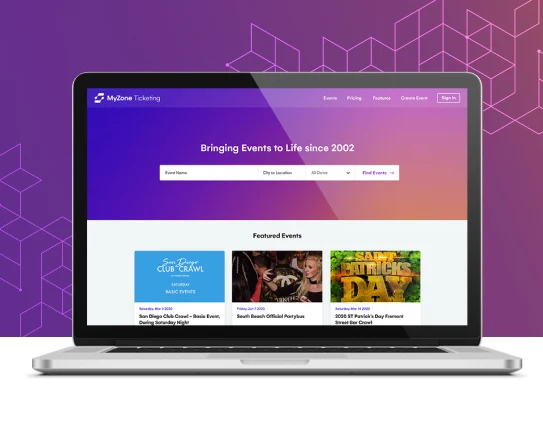
myZone needed a desktop application that could reliably drive Boca Systems printers on Windows 10 after their legacy software stopped working. We built a new .NET application from scratch with support for local and network printers, sequential ticket numbering, and template management.
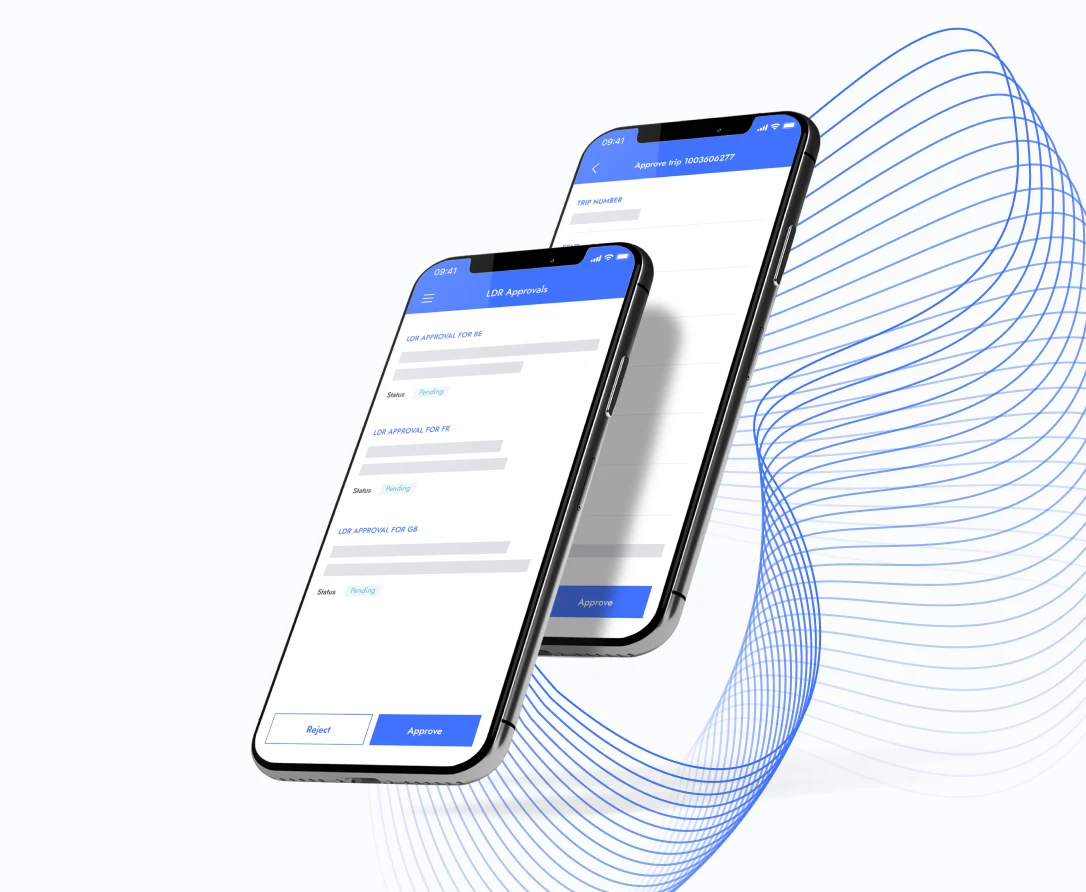

Powwow needed to bring Windows-centric enterprise applications to mobile devices without rewriting them. Starting with a pilot project, we helped build their virtualization system and eventually their SmartUX low-code platform, evolving from a small team to a dedicated development partnership over s
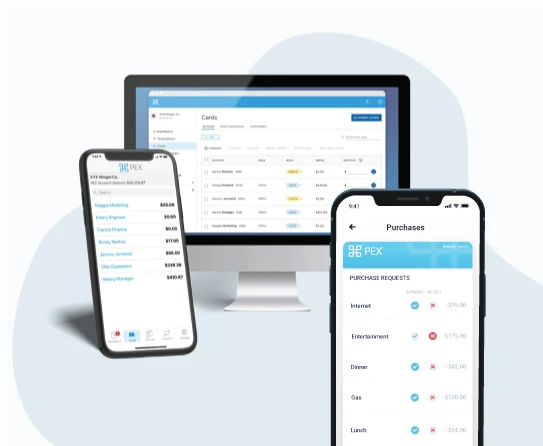

PEX needed to migrate their infrastructure from Windows to Linux to reduce costs and prepare for containerization. Our DevOps team executed a phased migration, implemented Docker containers, transitioned configuration management to Ansible, and deployed Zero Trust Network Access across their environ
Every desktop application project follows a structured process designed to reduce risk and deliver working software fast. We start by understanding what your application needs to do, then move through design, development, and testing in iterative sprints. You see progress every two weeks. If something needs to change mid-project, we adjust without derailing the timeline.
Working ApplicationSoftjourn is a software development company with almost two decades of experience building digital solutions for fintechs, banks, and other financial institutions. We help our clients take advantage of the best and most relevant technologies while significantly speeding up their development processes.
Our teams have worked on large-scale projects for banks, payment processors, and expense management platforms, and understand exactly what it takes to develop a stellar product.


Our primary stack for Windows development is C# with .NET, specifically WPF for enterprise applications, WinUI 3 for modern Windows 11 apps, and WinForms for maintaining legacy systems. For cross-platform desktop apps, we use Electron (JavaScript/TypeScript) and .NET MAUI (C#). We also work with C++, Java (JavaFX), and Python (PyQt) when the project requirements call for it. The choice depends on your target platforms, performance needs, and existing infrastructure.
Yes, and that's one of our most common engagements. We typically start by auditing your current codebase to understand what's worth preserving and what needs to change. Common modernization paths include migrating from WinForms to WPF, upgrading from .NET Framework to .NET 8+, replacing outdated UI layers while keeping business logic intact, or adding cloud connectivity to standalone applications. The goal is always to minimize disruption while bringing your application up to current standards.
It depends on scope. A focused utility or proof-of-concept can be delivered in 6–8 weeks. A full enterprise desktop application with integrations, multi-user support, and comprehensive testing typically takes 3–6 months. Legacy modernization timelines vary based on codebase complexity. We provide a detailed estimate after a discovery phase that usually takes 2–3 weeks.
Desktop makes more sense when you need offline functionality, tight hardware integration (printers, scanners, POS devices), high-performance data processing, or when your users work in environments with limited or unreliable internet. Web apps are better for broad accessibility and simpler deployment. In many cases, the right answer is a hybrid: a desktop application with cloud sync capabilities. We help you evaluate both options honestly before committing to either.
Absolutely. We've helped clients transition from standalone desktop software to cloud-based SaaS platforms. The process typically involves redesigning the data layer for multi-tenancy, building API services, creating web or hybrid frontends, and planning a phased migration so existing users aren't disrupted. We use Azure, AWS, or GCP depending on your existing infrastructure and preferences.
All code we write belongs to you. We sign NDAs before project discussions begin, and our standard contracts include full IP transfer. You get complete source code, documentation, and deployment instructions. If we part ways, you can continue development with another team or in-house. There's no vendor lock-in.
Fill out your contact information so we can contact you
We were encouraged because Softjourn asked the right questions, involved people with the right experience in to the conversations. Showed good leadership in managing the process of walking them through the sales process, keeping them on track, and has a lot of strong knowledge in the financial area, as they are a small software developer company and there are always so many other things that are pulling us in multiple directions. As well Softjourn shows a lot of experience in multiple programming languages and in combining them in to one product.