
Elasticsearch 7 Reaches End of Life: What's Your Next Move?
What leaders need to know about upgrading before support ends

Most companies don't plan to fall behind on Elasticsearch upgrades – it just happens when other priorities take center stage. But the longer you wait, the more complex the upgrade becomes.
If you're on Elasticsearch 7 or earlier versions, the clock is ticking. Here's what you need to know.
When Does Elasticsearch 7 Reach End of Life?
Elasticsearch 7.17.x:
- End of maintenance: April 15, 2025 (already passed!)
- End of support: January 15, 2026 (coming soon!)
Earlier 7.x versions: Support has already ended for versions 7.1 through 7.16.
Once support ends, you'll receive no security patches, bug fixes, or technical assistance. For organizations handling sensitive data or operating in regulated industries, this poses a significant risk.
What Happens After End of Support?
According to Elastic's official policy, after EOL you can expect:
- No future development or patches for that version
- Limited support: Only basic knowledge base articles and upgrade guidance
- No security fixes: Known vulnerabilities will never be patched in EOL versions
- Reduced functionality: You'll miss critical performance improvements and new features
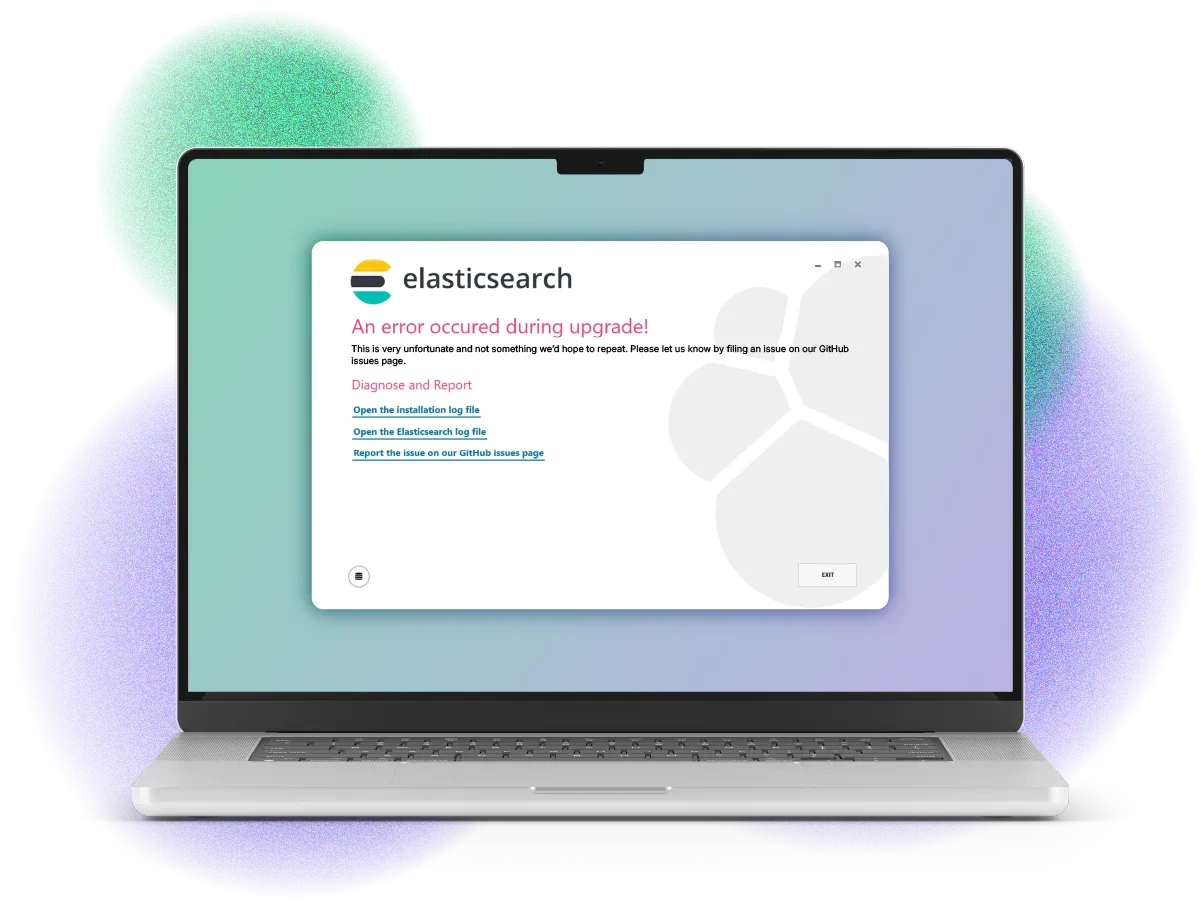
What Are the Risks of Running Outdated Elasticsearch?
Delaying your upgrade creates compounding problems:
- Security vulnerabilities: Unpatched systems become targets for exploits.
- Performance degradation: Elasticsearch 8 and 9 deliver significantly faster search throughput and lower latency.
- Integration breakdowns: APIs and connectors built for newer Elastic versions may fail.
- Upgrade complexity: Skipping too many versions often forces a full rebuild, not just a migration.
Perhaps most critically, your technical debt will grow exponentially the longer you wait. Upgrading from version 6 to 8 is manageable. But jumping from version 2 to 8? That's a different story entirely, and may involve breaking changes, Lucene syntax errors, and potential downtime that could have been avoided with incremental updates.
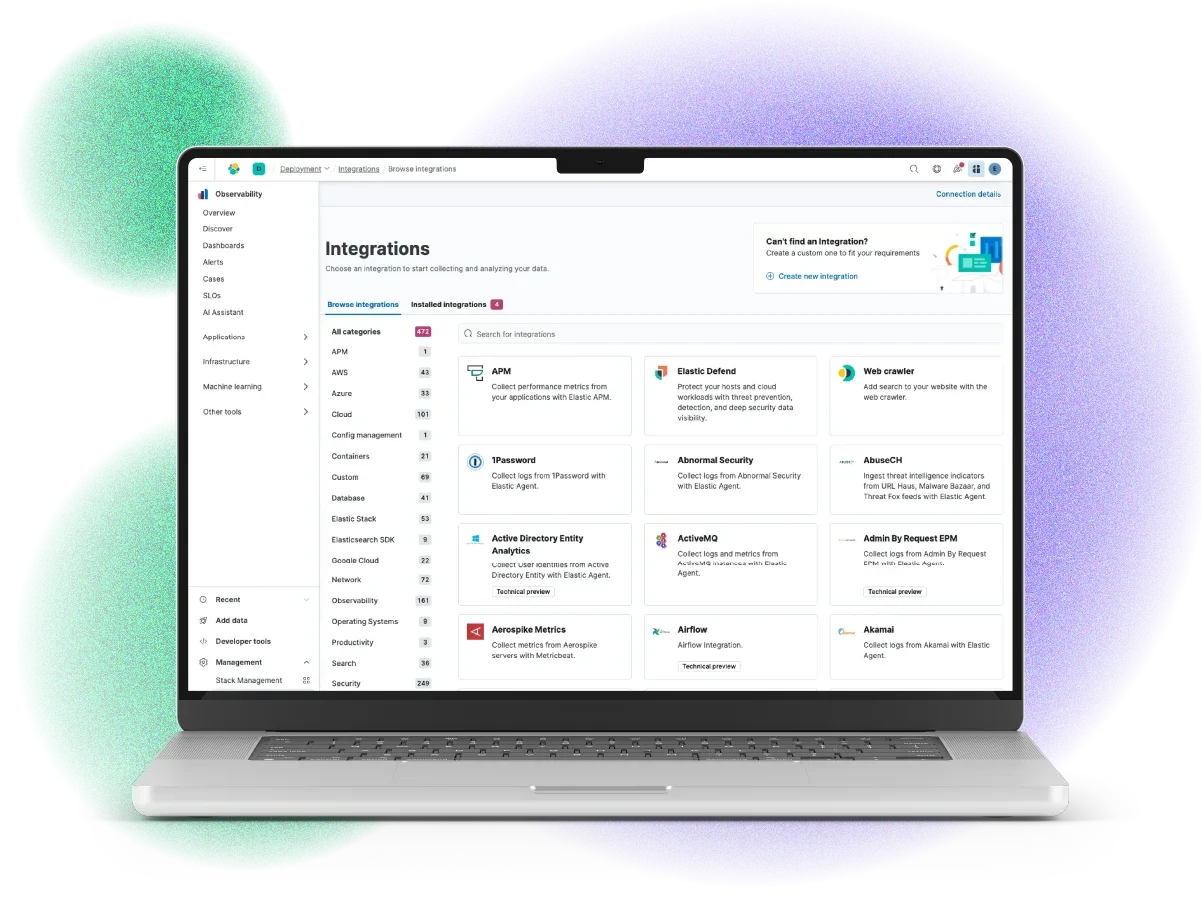
What's New in Elasticsearch 8 and 9?
Elasticsearch 8 and 9 mark the biggest leap forward since the 7.x series. These versions transform Elasticsearch from a powerful search engine into a complete analytics and observability platform.
Here's what stands out:
- 5× faster performance with Better Binary Quantization (BBQ) — Elastic's next-gen vector search algorithm.
- Semantic and hybrid search out of the box, with built-in AI model support (ELSER, e5, JinaAI, Watsonx.ai).
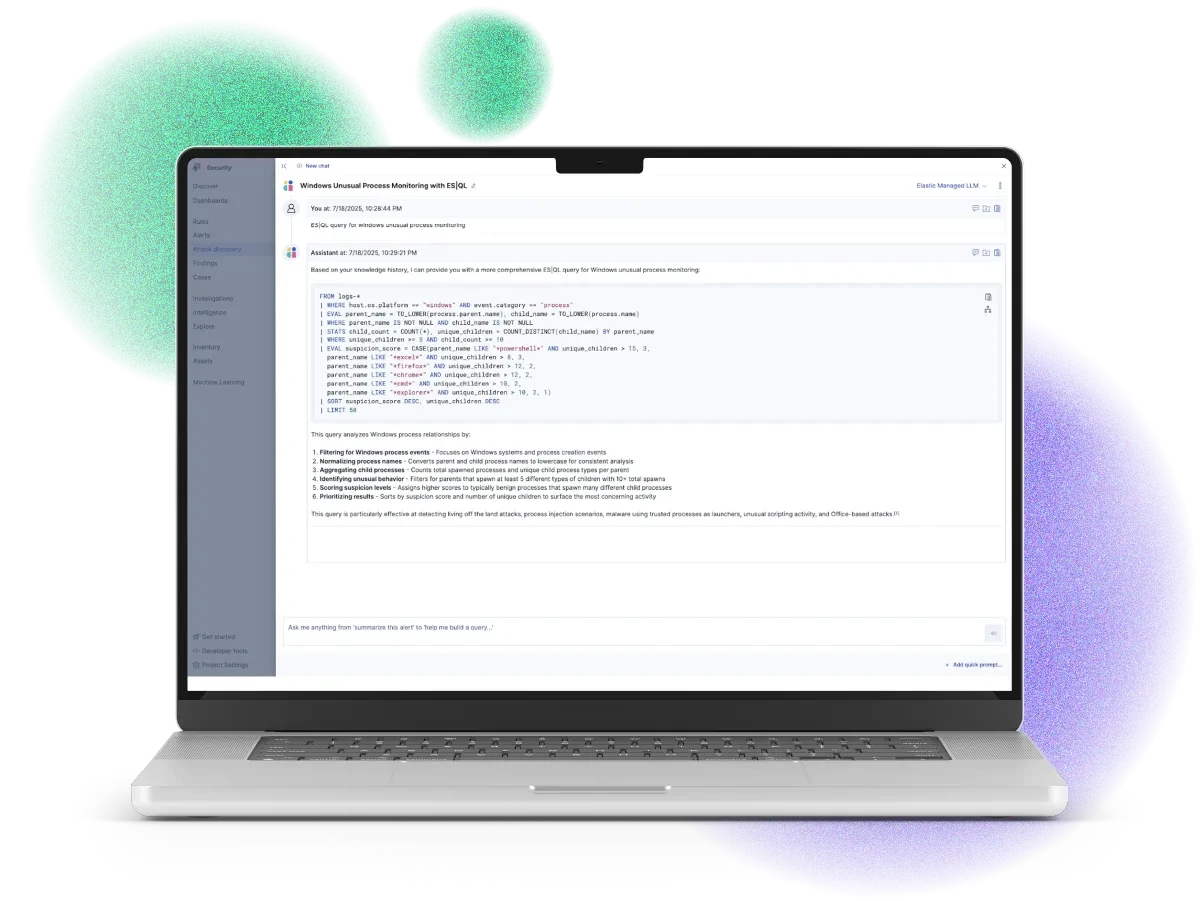
- ES|QL — a robust query language supporting real-time joins, cross-cluster queries, and fault-tolerant execution.
- Native OpenTelemetry integration, allowing unified monitoring of logs, metrics, and traces.
- LLM observability and security automation, built for modern AI workloads.
What's Next: How Should I Approach Upgrading?
Upgrading Elasticsearch isn't a "click to update" process — it affects clusters, APIs, indices, and client applications.
Here are a few principles we recommend:
- Start by assessing exactly which version you're running and how many versions behind you are. This baseline understanding is critical for planning your upgrade path.
- Next, review the breaking changes documentation for each version jump you'll need to make—these documents highlight what will break and how to address it. Test thoroughly in a staging environment before touching production systems.
- Schedule your upgrade strategically with proper maintenance windows and contingency plans for potential downtime.
- Along the way, you must choose your upgrade path:
- Rolling upgrade (minimal downtime) for compatible clusters.
- Full cluster restart when skipping multiple versions.
For complex Elasticsearch systems with multiple search types or heavy customization – or if your team lacks deep Elasticsearch experience or dedicated technical resources – partnering with experts who understand the nuances of major version migrations can mean the difference between a smooth transition and a painful ordeal.
Real-World Success: Major Elasticsearch Migration
An expense management leader came to us several versions behind (version 2.3.4), running a complex Elasticsearch system with 10+ different search types. Their challenge? Ensure zero impact on user experience during a major ES upgrade.
Our Approach:
- We built custom comparison tools to validate search accuracy between versions
- Tested extensively before launch with real query data
- Achieved 99.98% accuracy across 500,000 search queries
The Result: Users experienced faster search speeds with no reported errors during or after migration. The client now has the tools and confidence to keep Elasticsearch current going forward.
What Makes a Successful Elasticsearch Upgrade?
Major version migrations require more both technical know-how and demand a comprehensive approach. We've found that most successful upgrades address:
- Security vulnerabilities in both old and new versions
- Breaking changes and deprecation timelines aligned with business operations
- Thorough testing protocols before touching production systems
- Monitoring strategies covering pre-upgrade baselines and post-upgrade validation
- Mapping issues and configuration incompatibilities between versions
- System health analysis to predict potential problems before they become critical
Organizations that approach upgrades holistically (rather than just swapping version numbers) see smoother transitions and fewer surprises. Whether you tackle this with your in-house team or work with experienced partners, comprehensive planning separates successful migrations from painful ones.

Don't Wait Until It's Too Late
With Elasticsearch 7 support ending January 15, 2026, now is the time to start planning. Early action means more testing time, fewer surprises, and access to the performance and security benefits of modern versions.
Need help navigating a complex Elasticsearch upgrade?
Our team specializes in seamless migrations and Elasticsearch upgrades for organizations managing complex Elasticsearch systems, whether you're jumping multiple versions or dealing with complex, customized deployments. Contact us to discuss your specific situation.
FAQ
Q: Can I keep using Elasticsearch 7 after January 2026?
A: Technically yes, but you'll receive no security patches, bug fixes, or support—a significant risk for production systems.
Q: How long does a major Elasticsearch upgrade typically take?
A: It depends on your complexity, data volume, and how many versions you're jumping. Plan for weeks to months of planning, testing, and execution.
Q: What's the difference between end of maintenance and end of support?
A: End of maintenance means no more updates or patches. End of support means even technical assistance becomes unavailable.
Q: Is an out-of-date Elasticsearch a security risk?
A: Yes — and more than that, it's a compliance and performance liability.
Once Elastic declares a version End of Life (EOL), it's effectively frozen. The company's own policy states that no future releases, fixes, or development will occur. At best, you'll be referred to old knowledge base articles.
Q: What if I'm several versions behind?
A: The further behind you fall, the more difficult and time-consuming the upgrade becomes. Jumping from version 6.0 to 7.9 is significantly easier than leaping from version 2.3.4 to 7.9. Each skipped version compounds the complexity.
Q: What challenges come with major version jumps?
A: Large version leaps introduce several technical hurdles: longer downtime during upgrades, endpoints with different input parameters, Lucene syntax errors between versions, and performance issues during migration. These challenges are avoidable with regular, incremental upgrades.
Q: Will my users notice the upgrade?
A: If executed properly, users should experience minimal disruption during the upgrade and faster search performance afterward. With thorough testing and validation, the transition should be seamless—users simply enjoy improved speed and accuracy without noticing the technical changes behind the scenes.
Q: What improvements will I see after upgrading?
A: You'll gain faster search speeds, more accurate results, and better overall performance. New versions include enhanced features (like bulk deletion endpoints in version 7.9), improved security fixes, and optimizations that make better use of your hardware resources. Your system becomes more resilient, scalable, and secure—while future upgrades become significantly easier.